
In your terminal
Real output from a demo site. Tap any screenshot to open it full size.
What you get
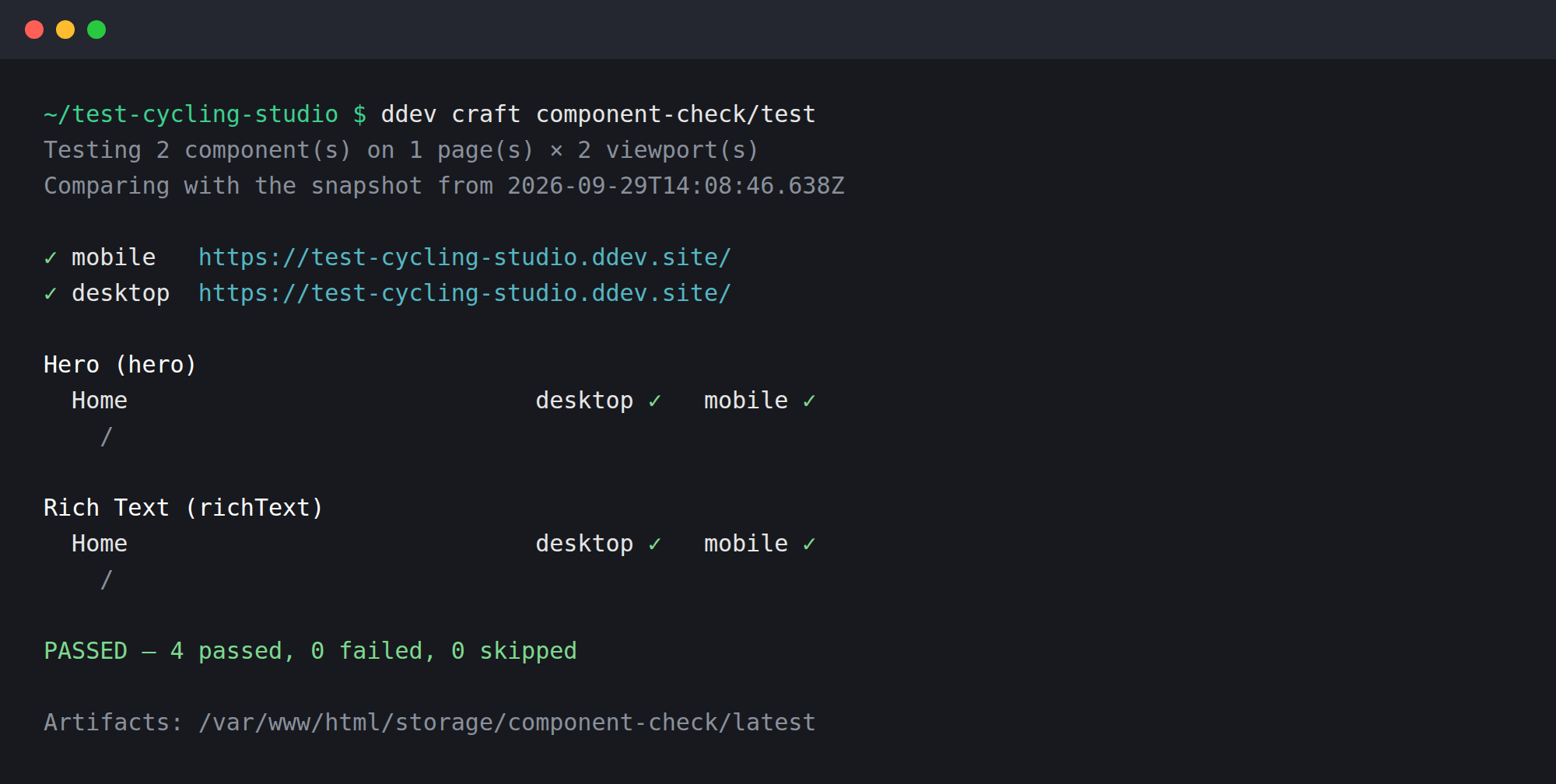
Every Matrix block is followed up to the live page that shows it, however deeply it is nested. Pages are picked so every variant is covered — 3,000 identical Heroes are one page, not 3,000.
Each page is opened in Chromium at both sizes. HTTP errors, JavaScript errors, missing scripts or stylesheets, a block that is gone or has no size, broken images — all fail the run.
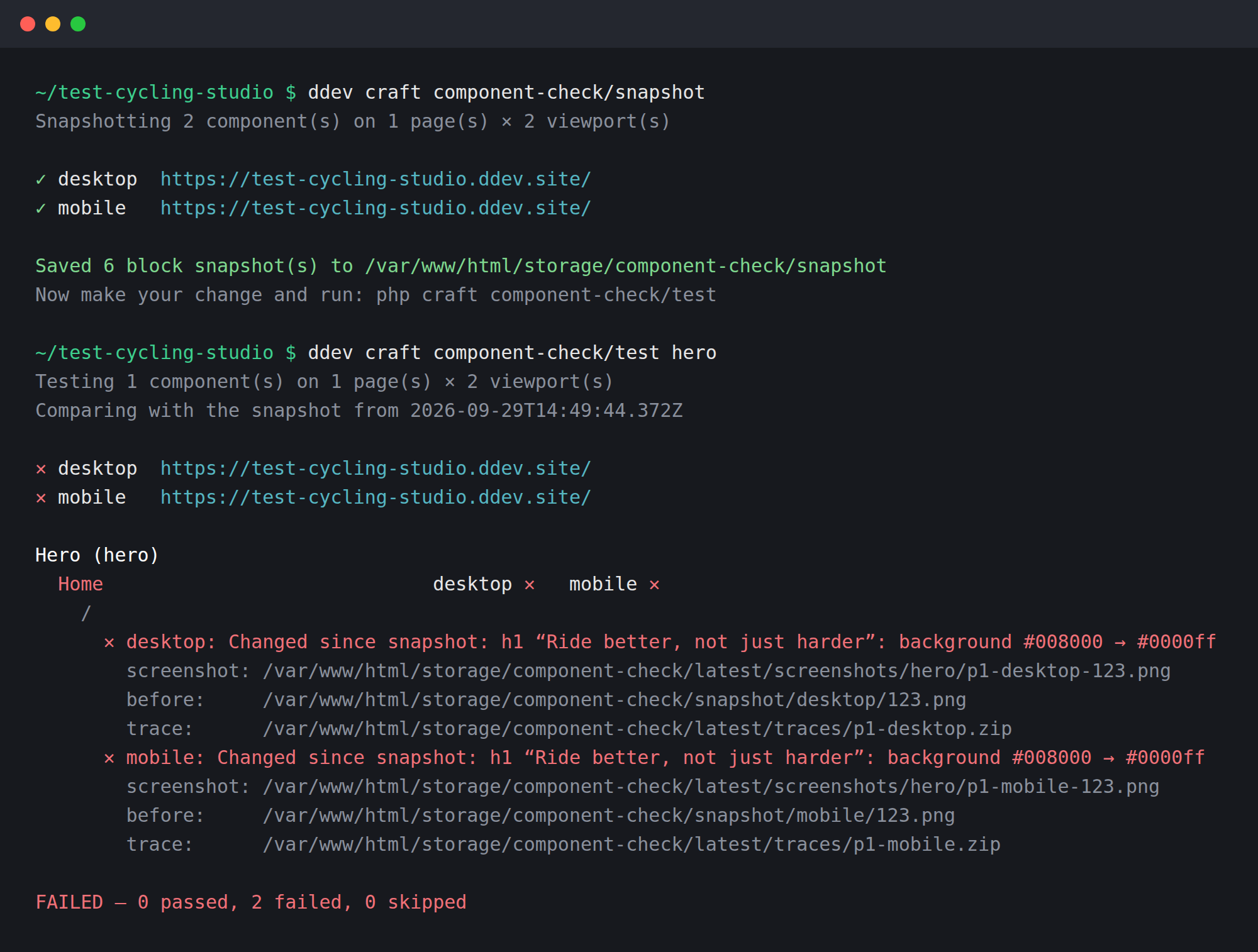
Take a snapshot, make your change, run test. You get “h1: background #008000 → #0000ff” or “width 334→1200px, now cut off”, with the block’s screenshot from before and now.
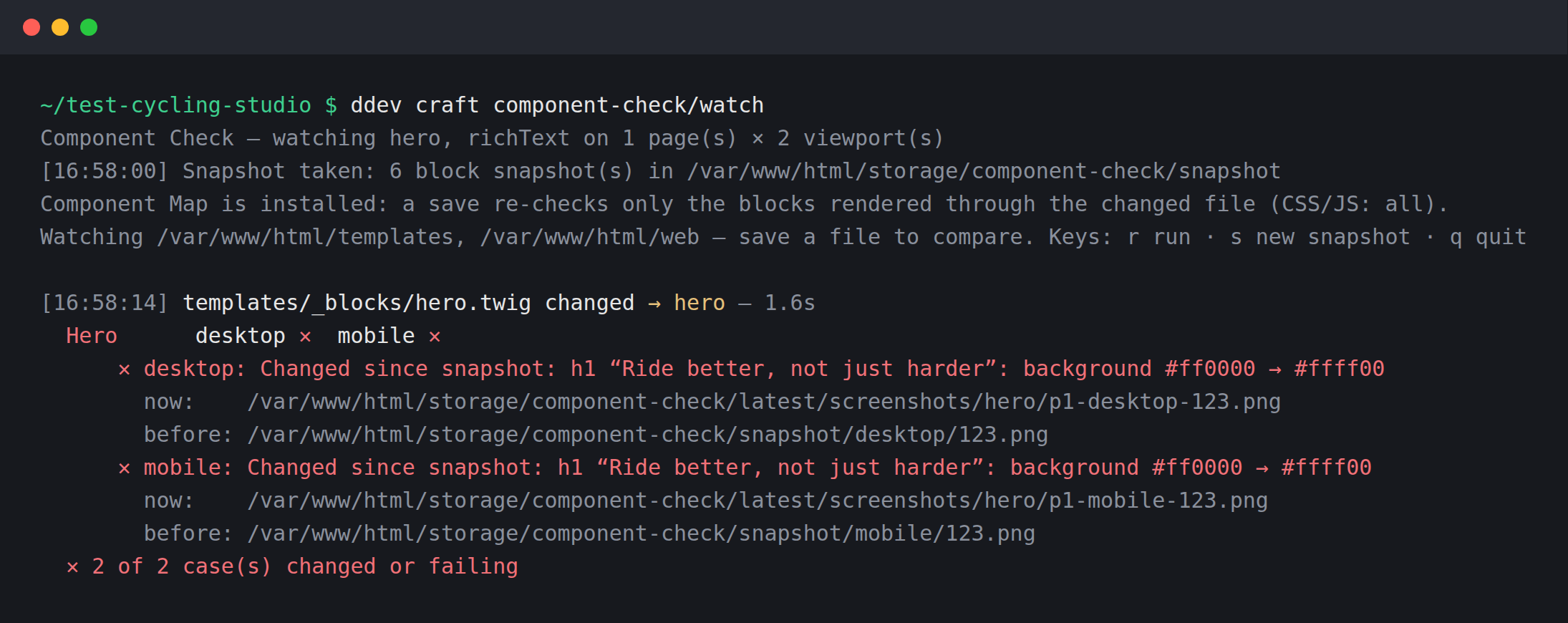
watch keeps one browser open and re-checks on every save — about a second per run. Press s when a change is intended and should become the new “before”.
With Component Map installed, test --changed and watch check only the blocks your template changes reach. CSS and JS changes still check everything.
Every command speaks --json and exits 0, 1 or 2. An agent can edit a template, run one command, and see which block broke, on which page, at which size.
Works with what you already have
No test files, no fixtures. Your content is the test data: Component Check reads the
content model through Craft and uses the pages you already have. Playwright does the
browser work, from your project’s own node_modules.
For checks per block rather than per page, add two markers once, in the loop that renders your blocks. No component needs to change.
{% for block in entry.contentBlocks.all() %}
    {{ craft.componentCheck.start(block) }}
    {% include '_blocks/' ~ block.type.handle %}
    {{ craft.componentCheck.end() }}
{% endfor %}
Safe to install everywhere
- Off on production by itself. Where
allowAdminChangesis off, the plugin does nothing — so the samecomposer.jsonworks on every environment. - Markers render nothing for visitors. They appear only on requests signed by a test run, and those responses are never cached.
- No migrations. Snapshots and screenshots live in
storage/, on your machine. - Nothing is written to your content. Entries, fields and templates are only read.
Open source under the MIT licence, and free for good. For local development, staging and CI.
Installing
From the project you want it in: Plugin Store in the control-panel sidebar, then search for “Component Check”, or
composer require b10k/craft-component-check
Then Playwright and its browser, once per project:
npm install --save-dev playwright && npx playwright install --with-deps chromium
And to see that everything is in place:
php craft component-check/doctor
Questions, or something not working?
The plugin is built and supported by me — bug reports, feature ideas and “this missed a broken block” notes are all welcome.
Open an issue on GitHub